

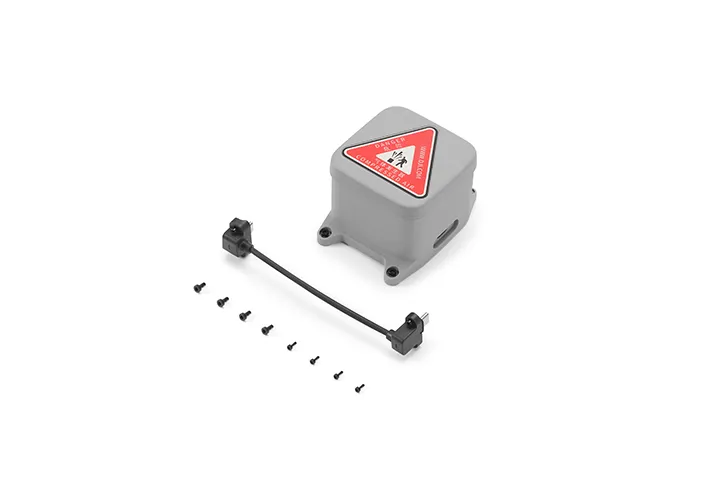
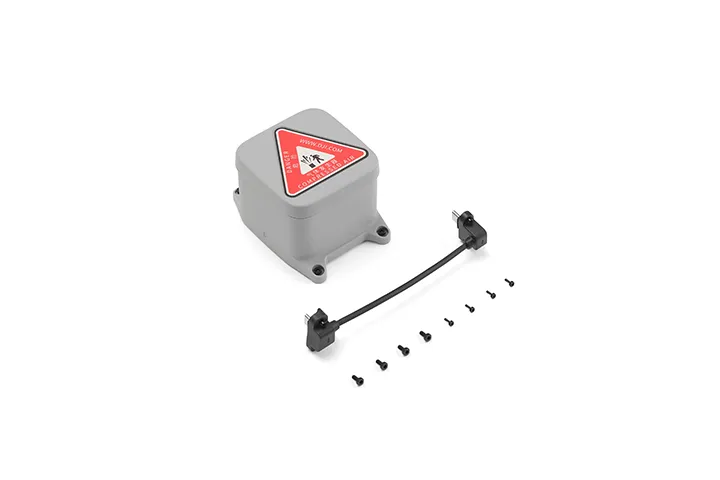
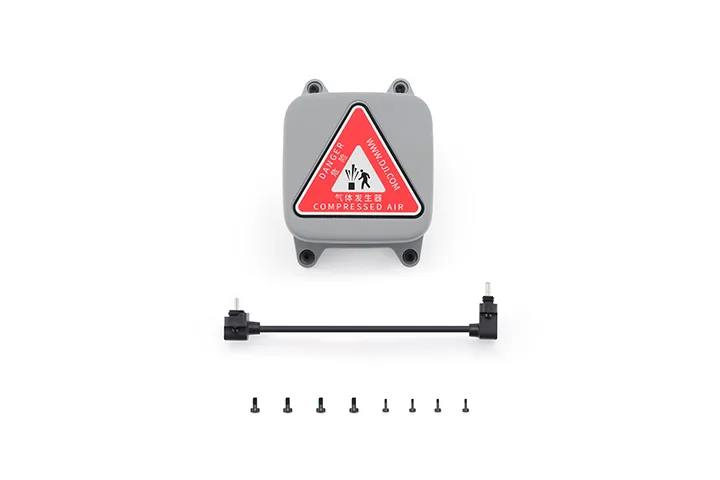
DJI AP1 Parachute
Meets Beyond Visual Line of Sight (BVLOS) requirements. Works with the built-in Flight Termination System (FTS) for safe, controlled landings. The lightweight design reduces the impact on flight time. Can be triggered via DJI FlightHub 2 or the FTS.
Features
Meets Beyond Visual Line of Sight (BVLOS) requirements. Works with the built-in Flight Termination System (FTS) for safe, controlled landings. The lightweight design reduces the impact on flight time. Can be triggered via DJI FlightHub 2 or the FTS.
Compatibility
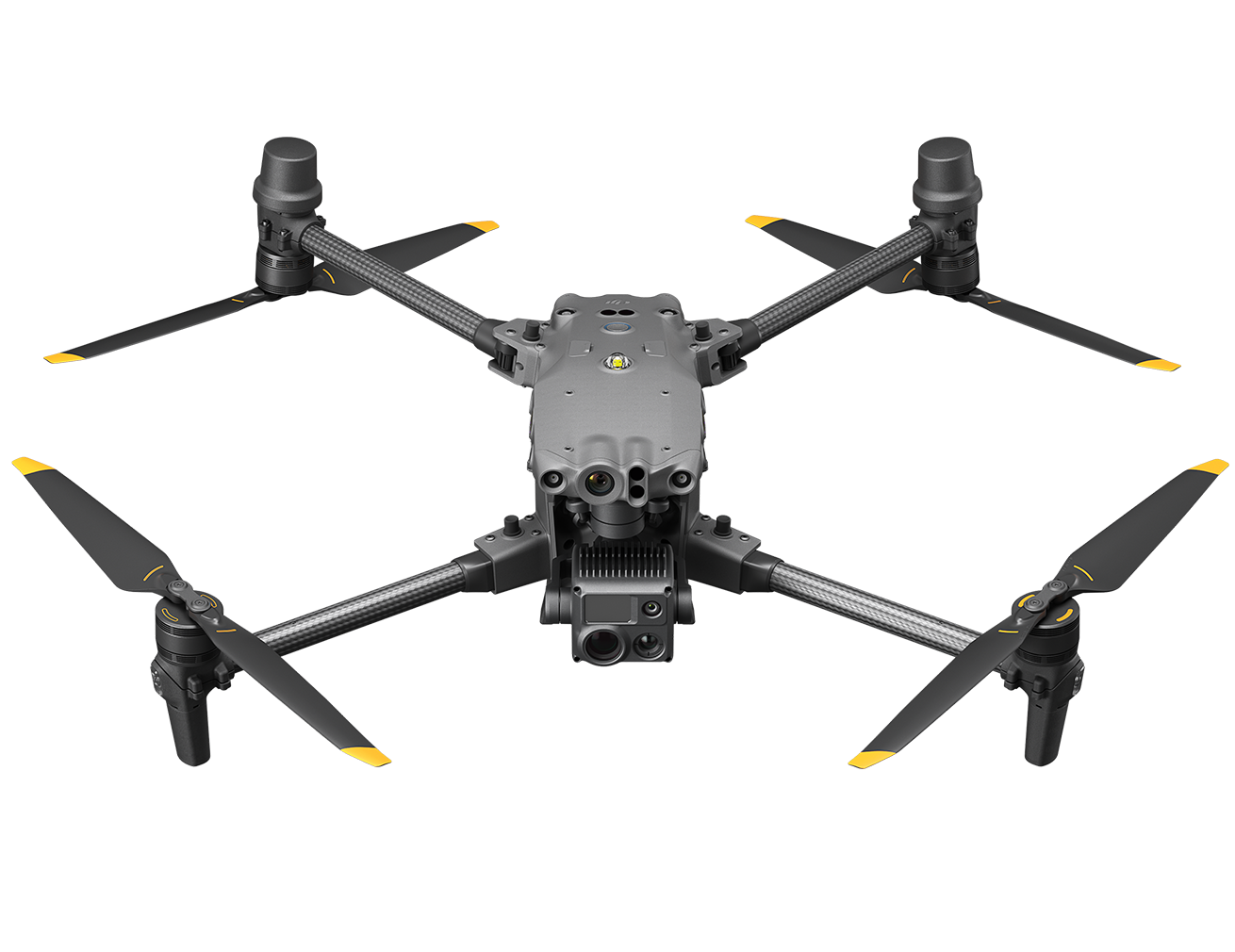
DJI Matrice 5TD
Product Specifications
Weight: 107 g (excluding bracket)
Dimensions: 92×70×56 mm (L×W×H, excluding bracket)
Max Supported Takeoff Weight: 3050 g
Operating Altitude: 0-5000 m
Stabilized Descent Speed: < 6 m/s
Measured in a windless environment at 25° C (77° F), at an altitude between 30 m and 500 m, with DJI Matrice 5TD taking off at the max takeoff weight of 3050 g. Data is for reference only. Actual experience may vary depending on the environment, usage, and firmware version.
Effective Deployment Altitude: ≥ 35 m
The minimum effective deployment altitude of DJI AP1 Parachute is 35 m (the minimum vertical altitude required for the parachute to stabilize the aircraft's descent below 6 m/s). If deployed below 35 m, the parachute will still eject, but may not fully inflate to adequately slow the descent. Additionally, in some cases, auto-deployment may not trigger, requiring manual operation. Please fly with caution. For detailed features and trigger conditions, visit the official product page.
The 35 m data was measured in a windless environment at 25° C (77° F), at an altitude below 500 m, with DJI Matrice 5TD taking off at the max takeoff weight of 3050 g. Data is for reference only. Actual experience may vary depending on the environment, usage, and firmware version.
Automatic Deployment Response Time: 600 ms
Measured in a controlled laboratory environment. With DJI Matrice 5TD hovering and propellers spinning, this is the total time interval recorded from the triggering of the Flight Termination System (FTS) signal, through the confirmation of a complete rotor stop, to the triggering of the gas generator's electrical signal. Data is for reference only. Actual experience may vary depending on the environment, usage, and firmware version.
Deployment Method: Manual/Automatic
Operating Temperature: -40° to 50° C (-40° to 122° F)
Ingress Protection Rating: IP55
Mounting: Mounted on top of the aircraft using the Matrice 5TD Accessory Mount. Make sure to tighten the mounting screws during installation.
Audible and Visual Alarms: Aircraft beeping and indicator flashing
Backup Power Duration: 30 s
Measured at 25° C (77° F) with the parachute in its factory state, or when the parachute is connected to the aircraft for over 10 minutes of flight time each month. Data is for reference only. Actual experience may vary depending on the environment, usage, and firmware version.
Self-Check: Continuously checks the status of the gas generator and communication links, displaying alerts via the DJI FlightHub 2 Health Management System (HMS) interface.
Independent FTS Link: Supported
In the box
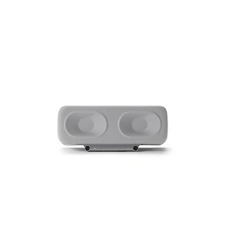
DJI AP1 Parachute x 1
WHY BUY FROM US?
By buying from Ferntech, you'll have the confidence that you are dealing directly with New Zealand's leading drone experts. Our staff are knowledgable drone pilots who offer expert advice, trusted support and superior specialist service. Only through us will you receive a full New Zealand warranty, phone and email support, and access to our certified Repairs Centre with DJI-qualified drone technicians. And we guarantee that we will have the best prices on the market — if not let us know and we will match any price (conditions apply).
Warranty Details
What precautions should be taken when installing the DJI AP1 Parachute?
Install the parachute on top of the aircraft using the Matrice 5TD accessory mount, and make sure the mounting screws are securely tightened.
Do not connect or disconnect the parachute while the aircraft is powered on.
Install the parachute before powering on the aircraft. Do not install the parachute while the aircraft is powered on.
Make sure the plug is securely inserted. Do not pull the cable with excessive force, as this may compromise water resistance or cause damage.
Tighten the connector screws properly. Do not overtighten them, as this may cause damage.
After installation, connect to the internet and follow the prompts to activate the parachute. If prompted to update the firmware, update it promptly to the latest version.
Does the DJI AP1 Parachute support manual deployment?
Two manual parachute deployment methods are available:
1. Manual deployment: Users can trigger parachute deployment in the DJI FlightHub 2 interface.
2. Flight Termination System (FTS) deployment*: When using the parachute in countries or regions such as EU member states and the United Kingdom, users can enter the aircraft serial number (SN) and verification code on the Flight Termination System page in DJI FlightHub 2 to manually trigger the Flight Termination System and deploy the parachute.
* The parachute deployment function in DJI FlightHub 2's Flight Termination System is available in the following countries or regions: EU member states, including Austria, Belgium, Bulgaria, Croatia, Cyprus, the Czech Republic, Denmark, Estonia, Finland, France, Germany, Greece, Hungary, Ireland, Italy, Latvia, Lithuania, Luxembourg, Malta, the Netherlands, Poland, Portugal, Romania, Slovakia, Slovenia, Spain, and Sweden, as well as the United Kingdom, Norway, Iceland, Switzerland, Liechtenstein, Serbia, and Georgia. The Flight Termination System page is available at: https://fh.dji.com/fts/index.html#/.
Under what conditions will the DJI AP1 Parachute deploy automatically?
1. When the built-in sensors of the aircraft or parachute, such as the IMU, detect abnormal aircraft attitude or speed, the system automatically deploys the parachute.*
2. Users can also create a Geocaging boundary in DJI FlightHub 2**. The parachute will automatically deploy when the aircraft flies outside the boundary.
* The parachute will automatically deploy when the aircraft attitude or speed becomes abnormal. To reduce the risk of damage to nearby equipment or property caused by close-range deployment, the parachute will not automatically deploy if the 3D infrared sensing system is functioning properly and the aircraft is within 10 metres of the dock, even when the aircraft attitude or speed becomes abnormal.
** The Geocaging feature is supported in the following countries or regions: EU member states, including Austria, Belgium, Bulgaria, Croatia, Cyprus, the Czech Republic, Denmark, Estonia, Finland, France, Germany, Greece, Hungary, Ireland, Italy, Latvia, Lithuania, Luxembourg, Malta, the Netherlands, Poland, Portugal, Romania, Slovakia, Slovenia, Spain, and Sweden, as well as the United Kingdom, Norway, Iceland, Switzerland, Liechtenstein, Serbia, and Georgia.
What is the maintenance interval for the DJI AP1 Parachute?
Maintenance is required every six months or at a shorter interval. During maintenance, check whether the connectors are loose, whether the parachute indicator status is normal, and whether the parachute protective cover is loose. If any abnormality is found, replace the affected component promptly.
Can the DJI AP1 Parachute be reused after deployment?
The parachute is a single-use safety device and cannot be reused. The entire parachute system must be replaced after deployment.
To ensure system effectiveness and flight safety, it is recommended that the product be retired and replaced three years after activation, even if its daily self-test results are normal.
Does installing the DJI AP1 Parachute affect the aircraft's obstacle sensing?
After the parachute is mounted, the Matrice 5TD aircraft will automatically adjust its obstacle sensing capabilities. In this case, its ability to sense small obstacles behind and above the aircraft will be affected. Pay close attention to the surroundings behind and above the aircraft during flight to ensure flight safety.
There's currently no reviews for this product, be the first to write one.