

DJI AS2D Speaker with Accessory Mount
Or 4 interest-free payments of $143.75 with 
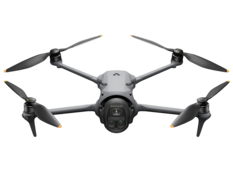
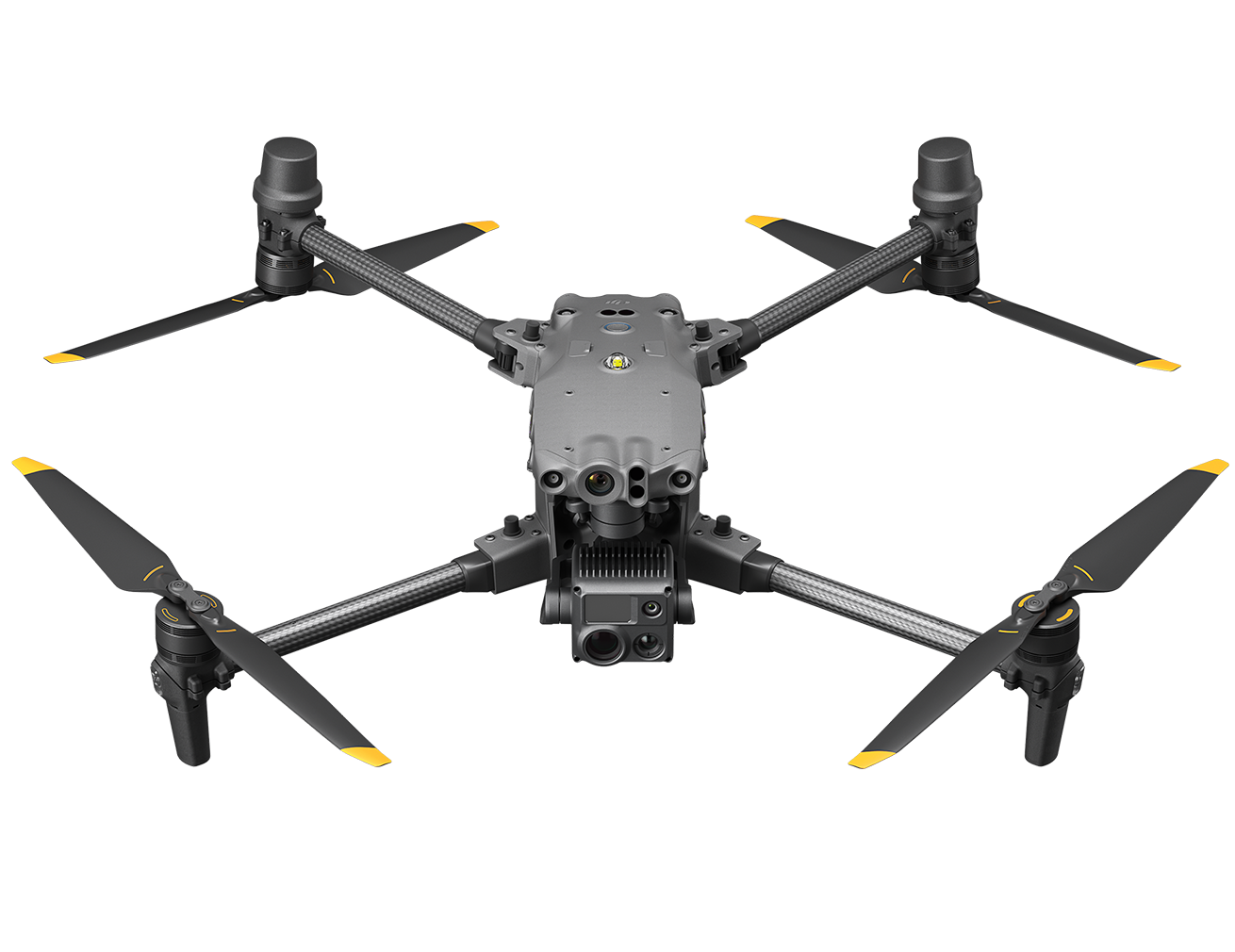
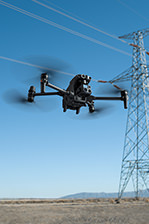
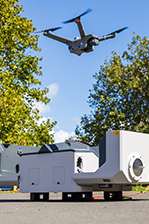
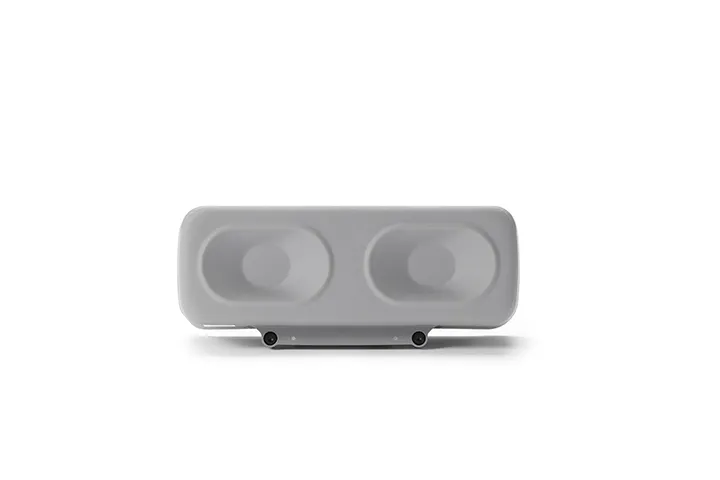
Delivers 120.5 dB at 1 m with a 400 m range. Supports real-time and recorded voice broadcasting, media import, AI-powered text-to-speech in 7 languages, and PTT by mapping the handheld mic button. Mount alone or with the spotlight/parachute. IP55-rated.
Features
Delivers 120.5 dB at 1 m with a 400 m range. Supports real-time and recorded voice broadcasting, media import, AI-powered text-to-speech in 7 languages, and PTT by mapping the handheld mic button. Mount alone or with the spotlight/parachute. IP55-rated.
Compatibility
DJI Matrice 5TD
Product Specifications
Weight: 188 g (excluding bracket)
Dimensions: 132×47×54 mm (L×W×H, excluding bracket)
Max Power: 30 W
Max Volume: 120.5 dB @ 1m
Data measured in a laboratory environment at 25° C (77° F). Actual conditions may vary slightly due to software version, audio source, specific environment, and other factors. The final effect is subject to actual use.
Effective Broadcast Distance: 400 m
Data measured in a laboratory environment at 25° C (77° F). Actual conditions may vary slightly due to software version, audio source, specific environment, and other factors. The final effect is subject to actual use.
Broadcast Mode: Real-time broadcasting, record & broadcast, file import (supports playback during transfer), text-to-speech
Text-to-Speech Language: Chinese, English, Japanese, Korean, French, Spanish, German
Only Chinese and English support both male and female voices; other languages support female voices only.
Operating Temperature: -40° to 50° C (-40° to 122° F)
Ingress Protection Rating: IP55
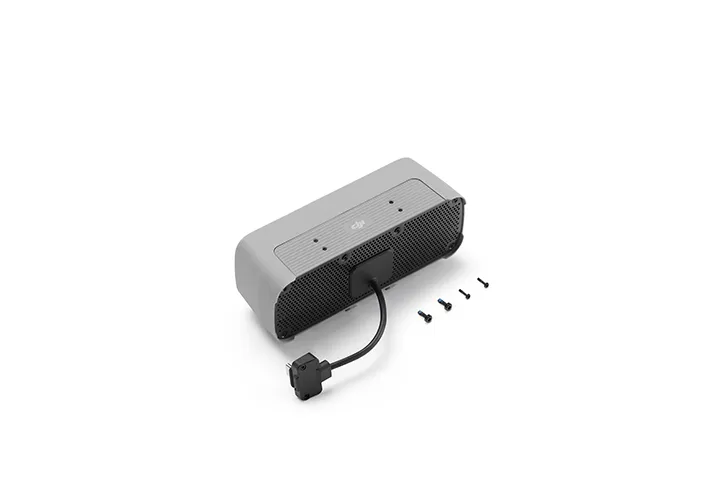
Mounting: Mounted on the left side of the aircraft using the Matrice 5TD Accessory Mount. Make sure to tighten the mounting screws during installation.
In the box
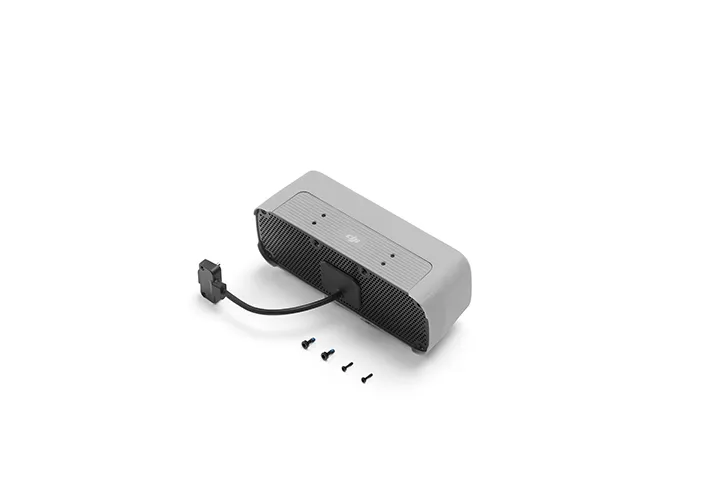
DJI AS2D Speaker x 1
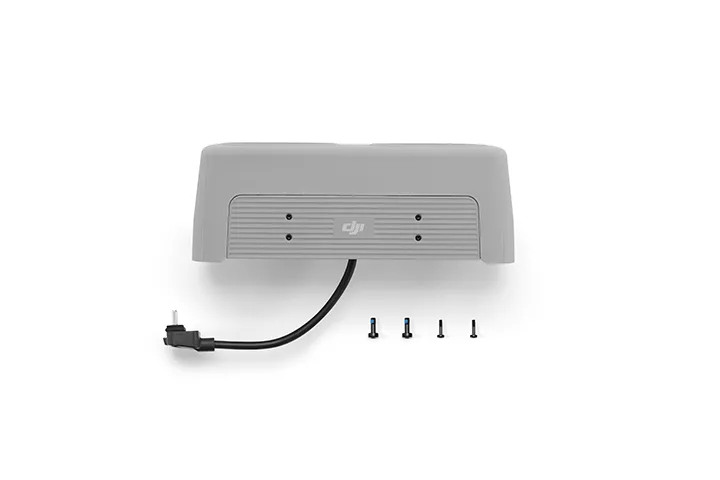
DJI Matrice 5TD Series Accessory Mount x 1
WHY BUY FROM US?
By buying from Ferntech, you'll have the confidence that you are dealing directly with New Zealand's leading drone experts. Our staff are knowledgable drone pilots who offer expert advice, trusted support and superior specialist service. Only through us will you receive a full New Zealand warranty, phone and email support, and access to our certified Repairs Centre with DJI-qualified drone technicians. And we guarantee that we will have the best prices on the market — if not let us know and we will match any price (conditions apply).
Warranty Details
What functions does the DJI AS2D Speaker support?
The DJI AS2D Speaker supports real-time broadcasting, recorded broadcasting, media import, and text-to-speech, making emergency search and rescue and other operations more efficient and flexible.
How does the DJI AS2D Speaker differ from the DJI AS1 Speaker?
Loudness is increased to more than double that of the previous generation, reaching 120.5 dB at 1 m.
The speaker is mounted facing downward, significantly improving loudness at ground level.
Supports AI-powered text-to-speech*, delivering a more natural-sounding voice.
* Only supported on DJI FlightHub 2 Public Cloud.
Which aircraft is compatible with the DJI AS2D Speaker?
DJI Matrice 5TD.
What precautions should be taken when installing the DJI AS2D Speaker?
Install the speaker on the left side of the aircraft using the Matrice 5TD accessory mount, and tighten the mounting screws during installation.
Install the speaker before powering on the aircraft. Do not install the speaker while the aircraft is powered on.
Make sure the plug is securely inserted. Do not pull the cable forcibly, as this may compromise water resistance or cause damage.
Tighten the connector screws properly. Do not overtighten them, as this may cause damage.
After installation, connect to the internet and follow the prompts to activate the speaker and calibrate the compass. If prompted to update the firmware, update it promptly to the latest version.
What precautions should be taken when using the DJI AS2D Speaker?
Note the following when using the speaker:
1. After the speaker is installed, the aircraft's propulsion performance and flight endurance will be affected. Fly with caution.
2. Playing single-frequency sounds is not recommended, as this may cause irreversible damage to the speaker.
3. The speaker is very loud. DO NOT use it at close range or in urban areas with a high concentration of noise-sensitive buildings, as this may cause injury or pose a hazard.
Which languages does the DJI AS2D Speaker support for text-to-speech?
Supports Mandarin Chinese, English, Japanese, Korean, French, Spanish, and German. Only Mandarin Chinese and English support both male and female voices, while the other languages support female voices only.
What are the tips for using the real-time broadcasting feature of the DJI AS2D Speaker?
For optimal live broadcasting performance, use a handheld microphone. If using a computer microphone, speak as close to it as possible and maintain a steady pace. Press the backtick key (`) to activate real-time broadcasting. You can map the PTT button on the handheld microphone to the backtick key (`) for quick PTT broadcasting.
How do I update the firmware of the DJI AS2D Speaker?
After the speaker is installed on the aircraft, its firmware will be updated together with the aircraft firmware. The firmware can be updated in either of the following ways:
1. Perform a one-click update on the Device Management page in DJI FlightHub 2.
2. Connect the aircraft to a computer and update it using DJI Assistant 2 (Enterprise Series).
What is the effective broadcast range of the DJI AS2D Speaker?
400 metres.
What is the IP rating of the DJI AS2D Speaker?
IP55.
There's currently no reviews for this product, be the first to write one.